
A laptop is probably the most expensive thing a student buys, and it has to last through several years of lectures, assignments, group projects and late-night study sessions. Buy too little and it slows down by second year; buy too much and you pay for power you never use. This guide explains which specifications matter, how much is enough for different majors, and what to check in the shop before you pay.
Start with your major, not the brand
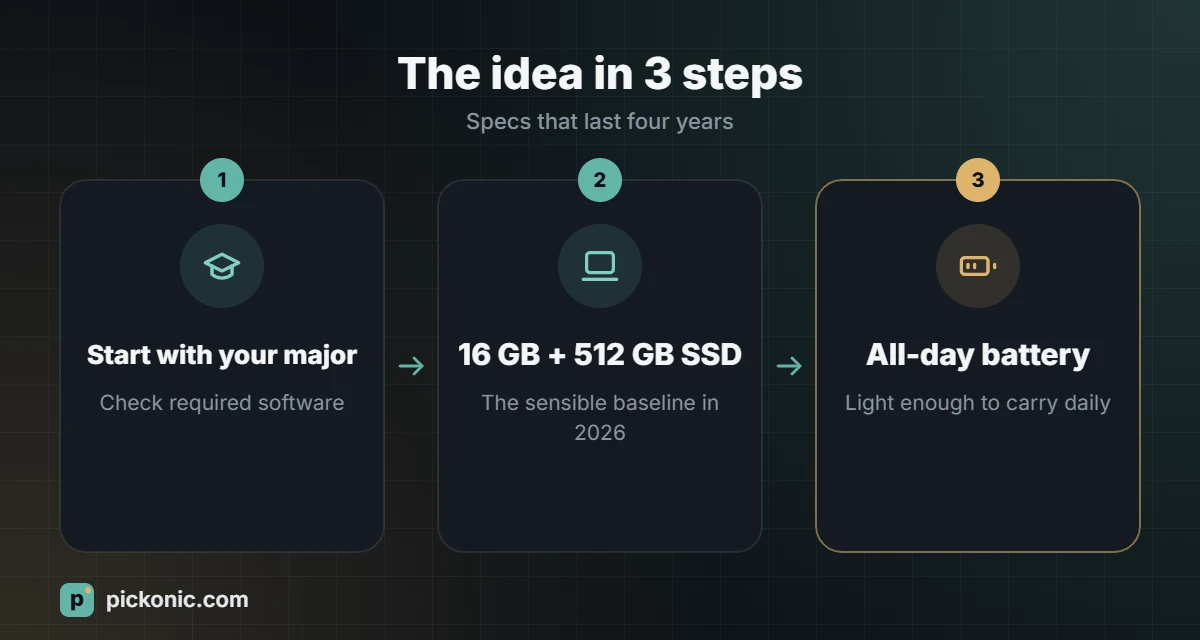
Course requirements decide the laptop more than anything else. Check your university or department website first; many publish minimum specifications, and some courses require Windows-only software.
| Field of study | Typical needs |
|---|---|
| Business, humanities, law, languages | Light, long battery, good keyboard; any modern mid-range laptop is enough |
| Medicine and health sciences | Light and reliable, good screen for reading; sometimes specific exam software |
| Computer science | 16 GB of RAM, fast SSD, good keyboard; any major operating system works for most courses |
| Engineering, architecture, surveying, GIS | Often Windows-only software (CAD, BIM, GIS), 16 to 32 GB RAM and a dedicated graphics card |
| Design, video, 3D | Colour-accurate screen, strong processor and graphics, 32 GB RAM if editing video |
Specifications that matter
Memory (RAM)
RAM decides how many apps and browser tabs you can keep open smoothly. In 2026, 16 GB is the sensible minimum for a laptop you plan to keep for four years. 8 GB still works for light use, but browsers and video calls fill it quickly. On many thin laptops RAM cannot be upgraded later, so buy what you need now.
Storage (SSD)
Choose an SSD, never a traditional hard drive. 512 GB is comfortable for most students; 256 GB fills up fast with software and files. If you work with large CAD models, photos or video, consider 1 TB or plan on an external drive and cloud storage.
Processor
Current mid-range processors from Intel, AMD, Apple and Qualcomm are all fast enough for everyday study. Pay more for the processor only if your course involves heavy computing, engineering software, programming large projects or video work. Check software compatibility for laptops with ARM-based chips if you need specific Windows applications.
Graphics
Integrated graphics are fine for most students. A dedicated graphics card helps with 3D modelling, rendering, GIS, some engineering software and gaming, but it adds weight and shortens battery life.
Battery life
Aim for a laptop that lasts a full day of classes without a charger. Manufacturer claims are often optimistic; look for independent tests of real-world use such as web browsing and video playback.
Screen
13 to 14 inches is the best balance between portability and comfort. 15 to 16 inches suits engineering and design work but is heavier to carry. Look for at least Full HD resolution and good brightness if you study in bright spaces.
Weight, keyboard and ports
Under about 1.5 kg makes a real difference if you carry the laptop every day. Try the keyboard before buying, since you will type thousands of words on it. Check the ports: USB-C charging, at least one USB-A port or adapter, and HDMI if you present often.
Quick reference
| Component | Minimum | Recommended |
|---|---|---|
| RAM | 8 GB | 16 GB (32 GB for engineering, design, video) |
| Storage | 256 GB SSD | 512 GB SSD or more |
| Screen | 13 inch, Full HD | 14 inch, bright, Full HD or higher |
| Battery | 6 hours real use | 9 hours or more |
| Weight | Under 2 kg | Under 1.5 kg |
Windows, macOS or ChromeOS?
- Windows: widest software support, especially for engineering and specialised university software. The most models at every price.
- macOS (MacBook): strong battery life and build quality, popular for design and general study. Check that every program your course needs runs on it.
- ChromeOS (Chromebook): affordable and simple, works well for writing and web-based study, but cannot run most desktop software. Usually not suitable for engineering or design majors.
Ways to pay less
- Student discounts: many manufacturers and retailers offer education pricing with a student ID or university email.
- Back-to-school offers: prices often drop in the weeks before the academic year.
- Previous-generation models: often much cheaper and almost as fast.
- Free software: universities often provide Microsoft 365 and specialised software licences for free. Check before buying anything.
- Installments: if you pay in installments, compare the total cost. Use our loan calculator to see what interest or fees really add.
Checklist in the shop
- Confirm RAM, storage and processor on the specification sheet, not just the box label.
- Type on the keyboard and use the touchpad for a few minutes.
- Check screen brightness and viewing angles.
- Lift it. Imagine carrying it with books every day.
- Ask about warranty length, accidental damage cover and local service centres.
- Check the keyboard layout if you need Arabic and English printed keys.
Frequently asked questions
Is a tablet with a keyboard enough for university?
For note-taking and reading, it can be. For assignments with desktop software, coding or engineering programs, a laptop is still more practical.
Should I buy extended warranty?
Accidental damage cover can be worth it for students who carry their laptop daily. Read what it excludes and compare the price with the cost of a typical screen repair.
Is a gaming laptop a good student laptop?
It can handle heavy software, but it is usually heavier with shorter battery life. Choose one only if your course genuinely needs the graphics power.